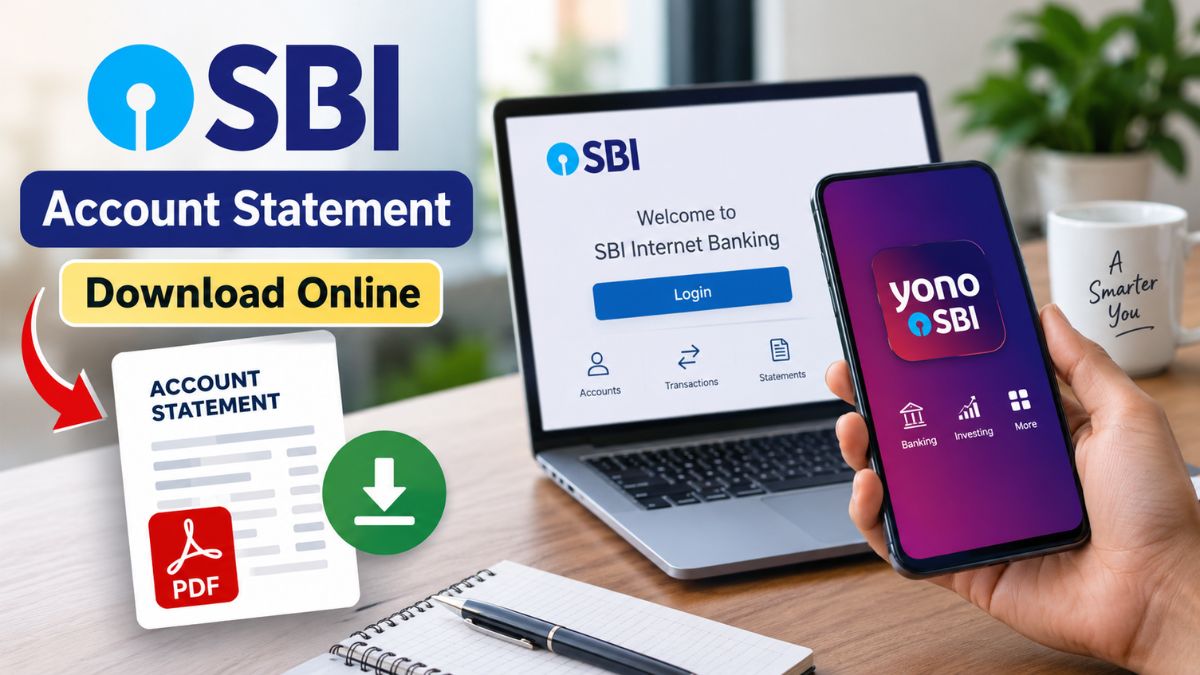
SBI Account Statement: An SBI account statement is useful for keeping track of your banking transactions, checking incoming and outgoing payments, and maintaining financial records. State Bank of India customers do not always need to visit a branch to obtain this document. The bank provides digital options that allow customers to access and download their statements from the comfort of their homes.
Whether you have a savings account or a current account, you can generally access transaction details through SBI Internet Banking or the YONO SBI app. Depending on the method used, the statement may be available as a PDF or Excel file. SBI may also provide a password-protected PDF, so knowing how to open the downloaded document is equally important.

SBI Account Statement
| Particular | Details |
|---|---|
| Bank Name | State Bank of India (SBI) |
| Statement Available For | Savings and Current Accounts |
| Online Methods | SBI Internet Banking and YONO SBI |
| Statement Formats | PDF and Excel, where available |
| Download Option | Available through digital banking services |
| Email Option | Statement can be sent to registered email |
| PDF Security | Statement may be password-protected |
| Internet Banking Password | As specified with the downloaded statement |
| Mobile Banking Password | Format is provided in the statement email |
| Access Requirement | Valid SBI digital banking credentials |
| Main Benefit | Quick access without visiting a branch |
| Security Advice | Never share OTPs, passwords or banking credentials |
SBI Account Statement Online: What You Need to Know
SBI offers digital banking facilities that make it easier for customers to review their account activity. Through Internet Banking, customers can select a particular period and obtain a statement containing transactions for that duration. The statement can be downloaded or sent to the registered email address, depending on the available options.
The YONO SBI app provides another convenient way to access account statements using a smartphone. Customers can log in to the application, select the required transaction period and choose the available statement format. Before downloading any statement, users should make sure they are accessing the official SBI banking platform and never share their login credentials or OTP with anyone.

- Internet Banking: Download or receive your statement digitally.
- YONO SBI: Access statements directly through the mobile app.
- Available formats: Statements may be available in PDF or Excel.
- PDF security: Downloaded statements may be password-protected.
- Digital convenience: Customers can access statements without visiting a branch.
How to Download SBI Statement Through Internet Banking
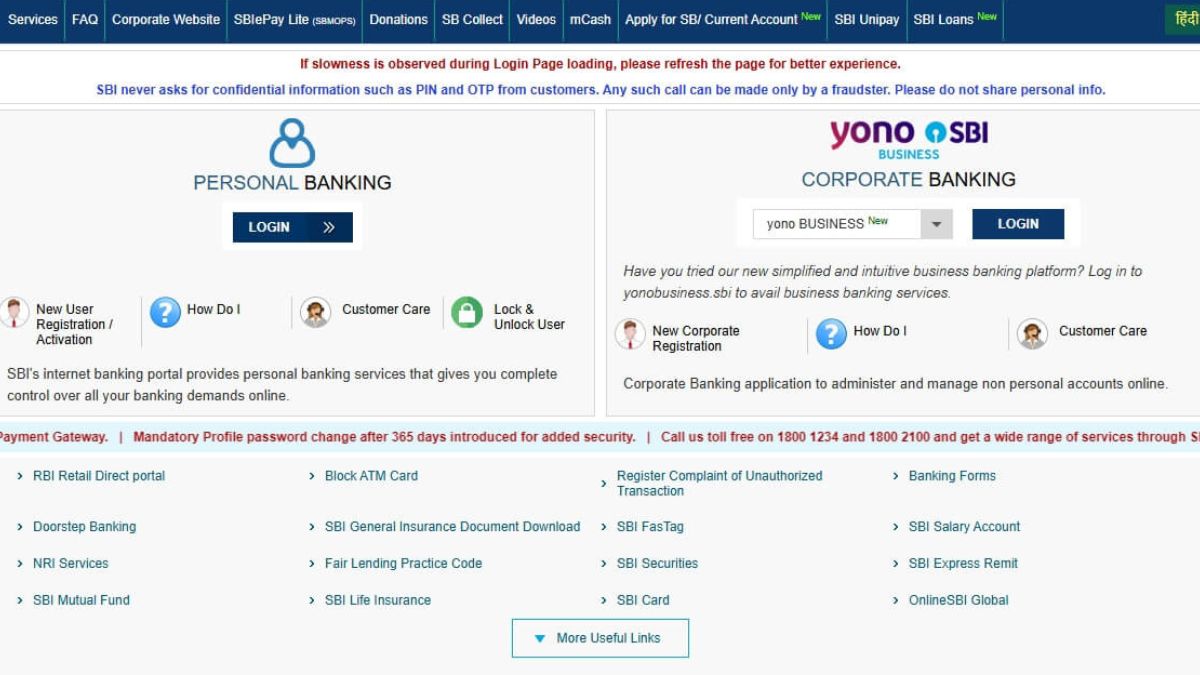
To obtain an SBI account statement through Internet Banking, customers first need to access the official SBI Internet Banking portal. After opening the website, select the login option and enter the required username and password. Once successfully authenticated, the customer’s personal banking dashboard will appear with the available account-related services.
Customers can then navigate to the relevant transaction or account statement section. After selecting the account and required period, the available statement options can be used to download the document or send it to the registered email address. The exact appearance and wording of options can change as SBI updates its digital banking platform, so customers should follow the instructions displayed on the official website.
How to Get SBI Statement Through YONO SBI
The YONO SBI app is a mobile application that allows users to view their account transaction information. When users log in to the official app on their smartphone by entering their banking details, they’ll have access to their account details. Once they log into the relevant section of the account, they are able to pick the desired year and period of the transaction and pick the statement option they want.
The customer might be able to download the statement directly or receive it via e-mail, depending on the options presented in the application. The service and account type may determine SBI to provide multiple file formats such as pdf or excel. To make sure that customers have access to the features available at the time, they are expected to use the latest official version of the app.
SBI Statement PDF Password How It’s Worked?
The first thing to note when downloading an SBI statement is that it could be password protected. The password format can vary based on the channel that the statement was acquired from. It is crucial for customers to verify the instructions given by SBI when downloading or receiving the statement and not assume that all PDF statements will have the same password.
The account number is used as the password for statements downloaded via Internet Banking on instructions given with the statement. In case of receipt of statement via mobile banking or e-mail, SBI may identify the password format in the communication received with such statement. The customer should avoid any assumptions about the format and should read the statement or message received via email or message.
How to Open an SBI Statement PDF
Once downloaded customers can find the account statement in the device’s Downloads folder or in the location they have chosen during the download process. The PDF may require a password to be entered before it will show the transaction details when opened. The password should be given as per the format that SBI has provided for the statement.
If the password is not successful, then customers need to read the instructions on the statement carefully. They should also make sure that the data is put in the way that it is supposed to be. They are also required to put in the numbers and other characters if applicable. Customers should refrain from using third party PDF unlocking sites, as it may contain sensitive financial data on bank statements.
Why Downloading an SBI Statement Online Is Useful
Customers may find it helpful to have an online account statement to document all bank transactions. It can allow them to check on payments, deposits, withdrawals, and other account activity without having to wait for a physical statement. Digital statements can also be kept electronically for future reference to keep personal financial records.
It is especially convenient to send a statement online when a statement is needed quickly. Customers can access the relevant information via Internet Banking or YONO SBI, instead of a separate branch visit. Users should always remember to protect downloaded statements as they are financial information and need not be shared unnecessarily.
Stay Safe While Accessing Your SBI Account
Consumers need to exercise some basic security measures when using digital banking services. Please use the official website of SBI or the official SBI YONO app to access SBI. Don’t click on links in text messages, emails or social media posts that offer direct access to your bank account.
Never share banking details, OTPs, PINs and passwords with another person. SBI will not ask for confidential authentication data from customers when contacted by unknown callers. If you get any suspicious communication related to your account statement, check it before you take any action with the official SBI official customer service.
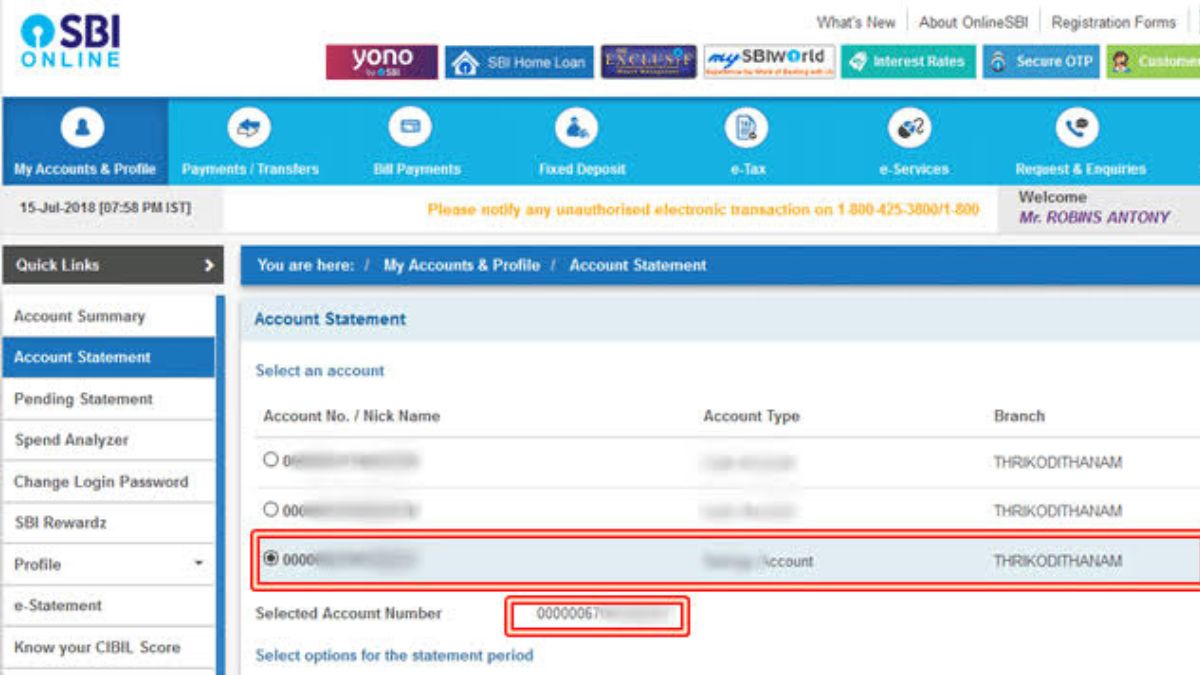
SBI’s online account statement download is a handy feature for checking and managing your banking history. SBI Internet Banking or the SBI YONO Banking app enables customers to easily view any transactions or desired transaction period. Statements can be available for download as PDF or Excel files or sent by e-mail as per the service available.
Disclaimer: The information given in this article is of a general nature. SBI’s features of digital banking, statement formats and password procedures could vary from time to time. Customers must refer to the updated instructions provided on the official SBI website or YONO SBI App before accessing their bank account statements or downloading them.
Also read:
Indian Overseas Bank Recruitment 2026: 250 LBO Posts Open, Check Eligibility and Apply
Senior Citizen FD Rates: Compare Top 5-Year Bank Returns Today
IBPS RRB Registration 2026: Apply Online for 13,441 Banking Vacancies

I’m Rashmi, an experienced content writer with over 3 years of experience in content creation and online publishing. I have a strong understanding of SEO, Google Discover, and audience-focused content strategies, with a passion for creating engaging and informative content.