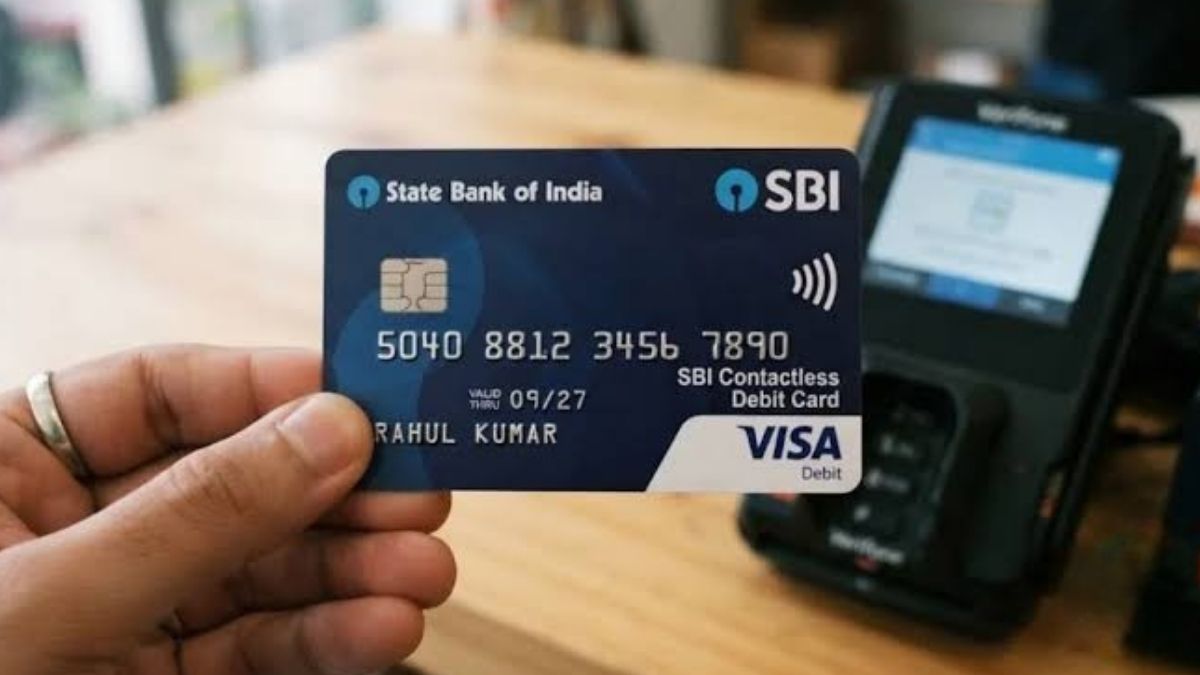
SBI Contactless Debit Card: The SBI Contactless Debit Card makes everyday payments faster by allowing customers to pay at supported Point of Sale (POS) machines without physically swiping or inserting the card. Instead, the card can simply be tapped near a compatible machine to complete the transaction.
This can be particularly convenient when you are making quick purchases at shops, malls, restaurants and other locations that support contactless payments. However, the contactless or NFC feature needs to be enabled before you can use the tap-to-pay facility.

SBI customers can activate the service through online banking, the YONO app or, where supported, by sending an SMS from their registered mobile number. The card also comes with an EMV chip and can be used for other regular debit card services, subject to the applicable card settings and limits.
SBI Contactless Debit Card
| Feature | Details |
|---|---|
| Bank | State Bank of India (SBI) |
| Payment Technology | NFC Contactless |
| Activation Options | SBI NetBanking, YONO App and eligible SMS service |
| Contactless Payment | Tap the card on a compatible POS terminal |
| PIN Requirement | May not be required for eligible transactions up to ₹5,000 |
| Card Security | EMV chip-enabled |
| ATM Usage | Available, subject to card settings and limits |
| Online Payments | Supported, subject to card settings |
| International Usage | Available on eligible Global debit cards |
| Card Charge Mentioned | ₹200 + GST |
| Lost Card Replacement | ₹300 + GST |
| Inactivity | Contactless card may be deactivated after 12 months of non-use |
What Is an SBI Contactless Debit Card?
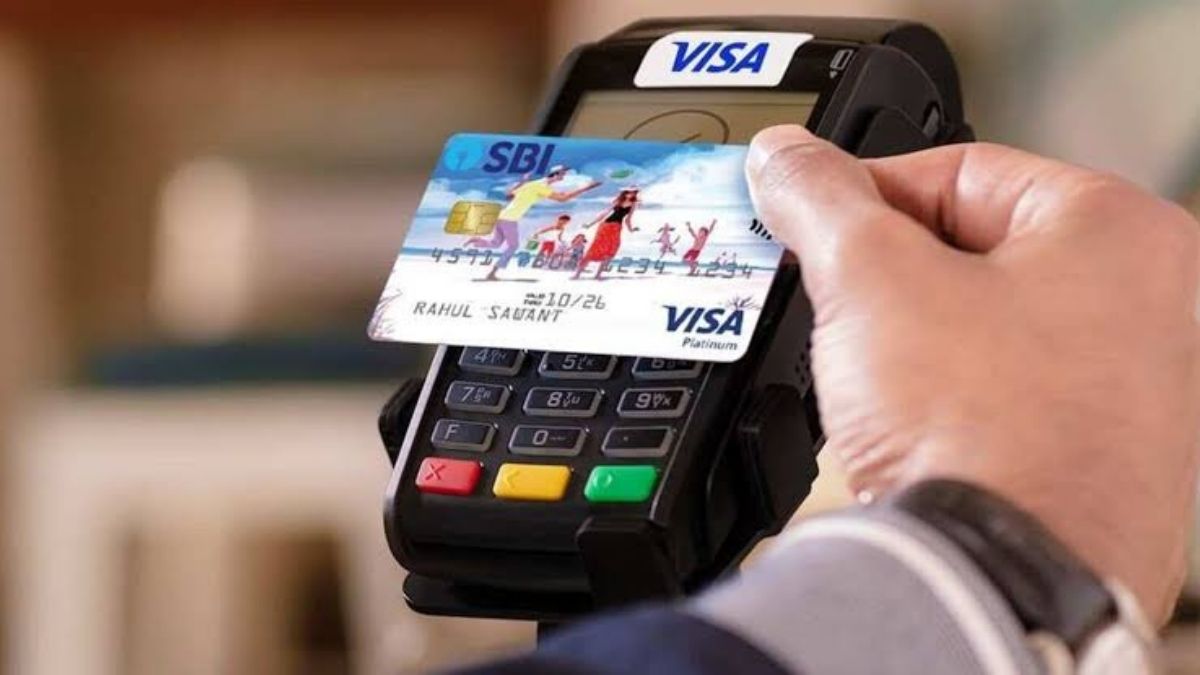
An SBI Contactless Debit Card uses Near Field Communication (NFC) technology to allow payments at compatible POS terminals. Instead of handing the card to a cashier for swiping or inserting, you can bring the card close to the contactless symbol on the payment machine. The transaction is then processed through the card and the linked bank account, subject to the applicable transaction rules.

The card can also be used for regular debit card transactions, including ATM withdrawals, POS purchases and online payments, depending on the features enabled on the card. SBI’s Global Contactless Debit Card also uses an EMV chip, which adds another layer of security to card transactions. Customers should still follow normal precautions and keep their card details confidential.
How Does SBI Tap-to-Pay Work?
The tap-to-pay feature works when you bring your contactless SBI debit card close to a compatible POS machine. The card communicates with the terminal through NFC technology, allowing the payment information required for the transaction to be exchanged without physically swiping or inserting the card. This makes the payment process quicker and more convenient.
According to the information provided by SBI, contactless transactions up to ₹5,000 can be completed without entering the card PIN, subject to applicable rules and conditions. For transactions requiring additional verification, the POS machine may ask you to enter your PIN. Customers should also remember that an SBI contactless card may be deactivated if it remains unused for 12 months, according to the bank’s stated terms.
How to Activate SBI Contactless Debit Card Through NetBanking
SBI customers can enable the NFC feature through Internet Banking if the option is available for their card. Log in to the official SBI Internet Banking service using your credentials and open the relevant card services section. From there, go to e-Services, select ATM Card Services, and then choose ATM Card Limit/Usage Change to access the available card usage controls.
Select the account and debit card for which you want to activate the feature. Look for the relevant usage option and select NFC. Choose Enable and submit the request. The exact appearance of the menu can change when SBI updates its online banking platform, so customers should follow the options displayed on the official SBI website.
How to Activate Contactless Payments Through YONO
SBI customers can also use the YONO app to manage the NFC feature on an eligible debit card. After opening the app, log in using your registered credentials and access the service or card management section. Look for the Manage NFC option and select the debit card for which you want to enable contactless payments.
After selecting the appropriate card number, choose the option to enable NFC and submit the request. Customers should make sure they are using the official SBI YONO application and keep the app updated. If the NFC option is not visible, the feature may not be available through that particular account or card, or the menu may have changed following an app update.
Can You Activate the SBI Contactless Card Through SMS?
SBI also provides SMS-based options for managing certain debit card services. According to the information provided, customers can send the last five digits of their debit card from their mobile number registered with the bank to SBI’s designated mobile banking number. A confirmation message may be sent after the request is processed.
SMS-based banking services can have specific formats and requirements, so customers should verify the latest instructions through SBI’s official channels before sending a request. Never send your debit card PIN, CVV, OTP, Internet Banking password or other confidential information through SMS or share these details with anyone claiming to help activate the card.
SBI Contactless Debit Card Charges
The cost of an SBI contactless debit card depends on the specific card variant and the bank’s applicable charges. The information provided states that the card is issued with a charge of ₹200 plus GST, while replacement of a lost card may attract a fee of ₹300 plus GST. Since banking charges can be revised, customers should verify the latest applicable fees before applying for or replacing a card.
It is also important to distinguish between the card issuance or replacement charge and the transaction itself. Contactless technology is a payment method and does not automatically mean that every transaction will carry a separate contactless fee. Any applicable charges depend on the type of transaction, card variant and SBI’s current terms and conditions.
Key Benefits of SBI Contactless Debit Card
The tap-to-pay facility can make small everyday purchases more convenient because customers do not have to swipe or insert their card for every eligible transaction. The card can remain in the customer’s possession during the payment, which can also reduce the need to hand the physical card to another person. This makes the payment experience faster while adding convenience to routine purchases.
Here are five important benefits to remember:
- Faster payments at compatible contactless POS terminals.
- No physical swiping is required for eligible tap-to-pay transactions.
- PIN entry may not be required for eligible transactions up to the applicable limit.
- The card can also support regular debit card services.
- The EMV chip provides an additional security feature for card transactions.
These features make a contactless debit card useful for customers who frequently make smaller payments. However, contactless payments should still be treated with the same level of care as any other banking transaction. Keep your card secure, monitor account activity and report suspicious transactions to SBI as soon as possible.
What if the Contactless Feature is not working?
First, check if NFC or contactless is enabled if your SBI debit card isn’t working with tap-to-pay. It’s also important to ensure the POS terminal is contactless. If the card is compatible by other transaction methods but not when tapped, the problem may be due to the card’s NFC configuration, terminal compatibility or the card itself.
If the issue persists after confirming the settings, reach out to SBI’s customer service or visit a branch to seek help. Ignore all websites, phone numbers and people promising to activate the feature for you that you do not know. Never share your banking information, PIN or OTP when contacting technical or account support.
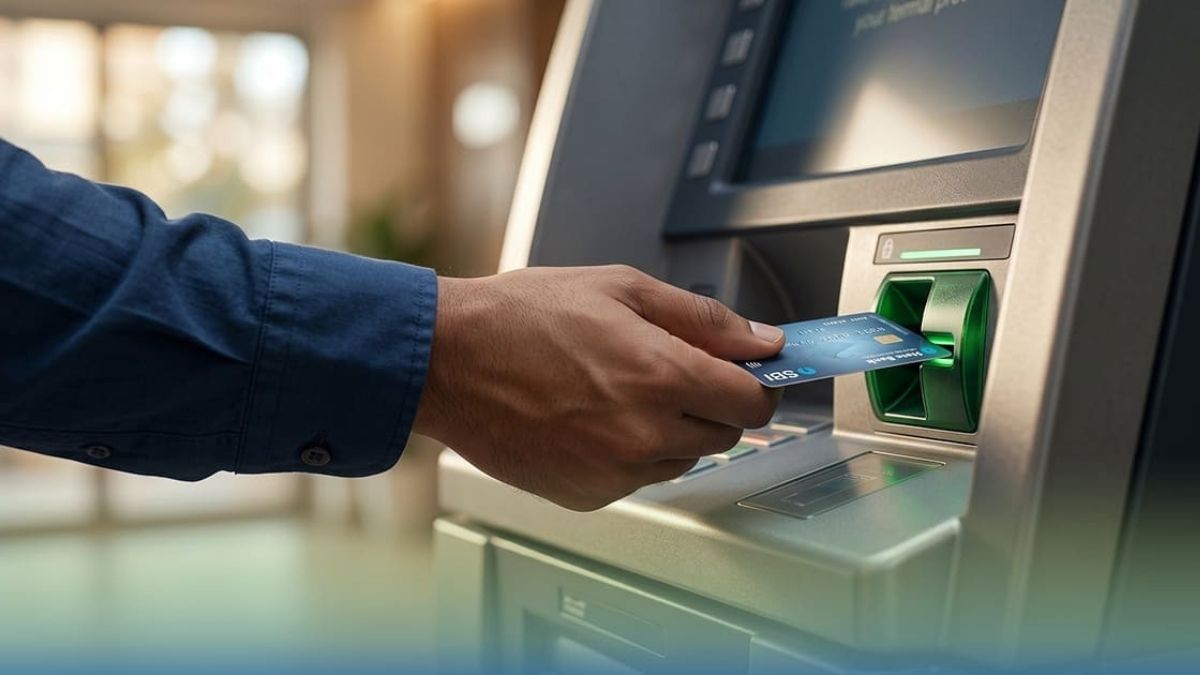
SBI Contactless Debit Card is an easy-to-use payment card that can be used to pay eligible items through a compatible POS terminal with a tap. The NFC feature can be enabled/disabled from SBI’s digital banking services, such as Internet Banking and the YONO app, and some of these services can be accessed via SMS as well. The actual choices may vary according to the type of the card and the existing SBI banking facilities.
Disclaimer: This article is for general information only. Availability of SBI debit card features, how they can be activated, debit card transaction limits, charges, etc., may vary as per the type of a card and from time to time.
All customers are requested to check the latest updates on the official website of the State bank of India, the YONO app or through the bank’s customer care before taking any action. Do not give any PIN, CVV, OTP, password or other confidential banking information to anybody.
Also read:
DA Hike Calculation: Check Your Salary Increase After 3% DA Rise
Senior Citizen FD Rates: Compare Top 5-Year Bank Returns Today
EPFO Warns 800 Companies, October 31 Deadline for PF Registration

My name is Santosh Rana, and I am the Founder and Content Writer at Taza News, where I actively cover Education, Board Exam Results, Admit Cards, Government Jobs, Technology, and Breaking News updates. As the founder of the platform, I am committed to building a trusted digital news source that delivers accurate, timely, and reader-friendly information to audiences across India.