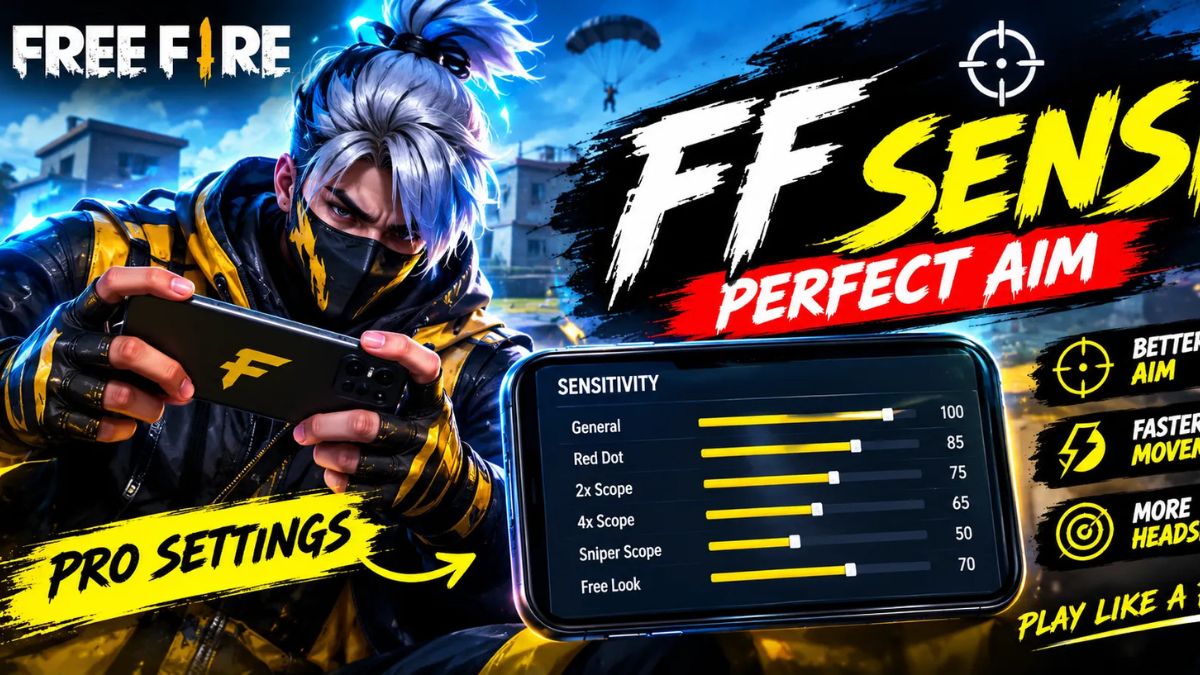
FF Sensi 2026: The gameplay of Free Fire isn’t just limited to having a strong smartphone or a quick internet connection. Some of the settings for your FF Sensi can also play a role in how easy it is to manipulate the cursor, move around in battle, and respond to opponents. A good sensitivity setting can make shooting easier and can aid in consistent headshot practice.
When searching for an easier way to be better at the game, many players look up terms like FF Sensi app, FF Sensi headshot, FF Sensi Pro APK, and FF sensitivity AI online. In some cases, third party applications and modified APK files are not secure and reliable. Adjusting the game’s sensitivity settings based on the device is better, and is supported by the built-in game sensitivity controls.

What Is FF Sensi in Free Fire?
In Free Fire, the sensitivity settings influence how fast the camera and crosshair move as the player rolls their finger.Free Fire sensitivity refers to the sensitivity settings used in the game to control the speed of the camera and crosshair rolling the finger. These settings can affect camera movement, aim speed and being able to track an opponent in various kinds of combat. Everyone has a different playing style so there’s no one sensitivity setting that’s optimal for everyone.
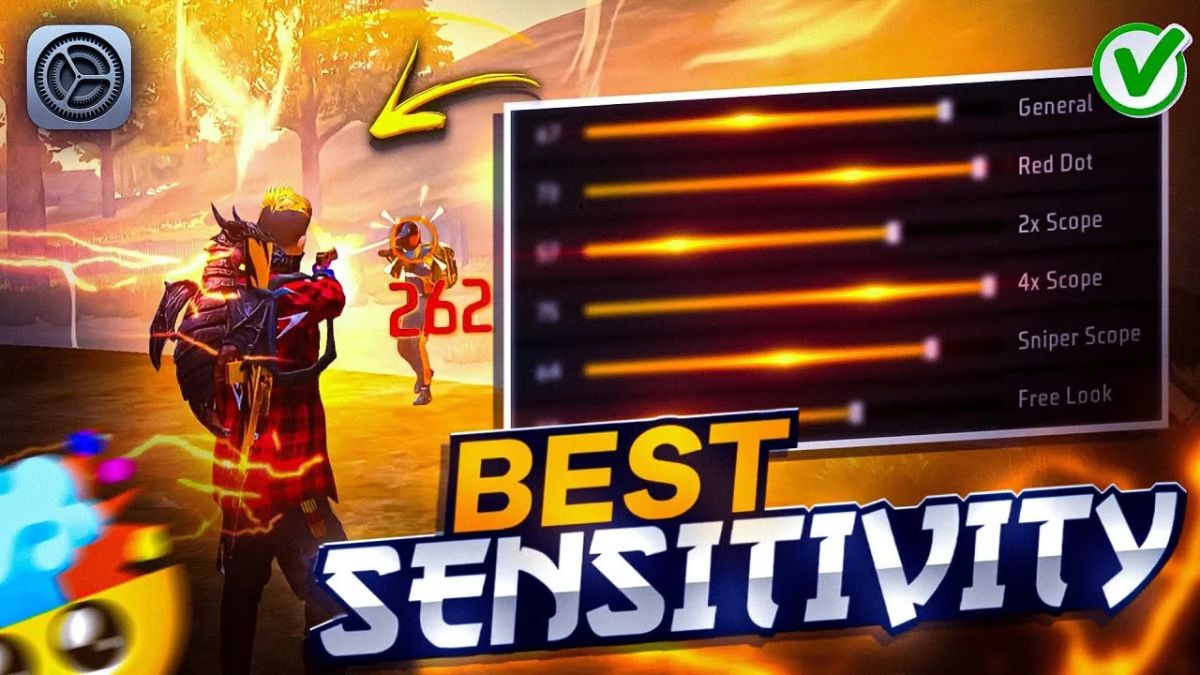
Also, your ideal settings are dependent upon the screen size of your phone, the responsiveness of your touch, the performance of your phone and your personal control style. What feels great on one device, can feel too fast or too slow on another. For this reason, the suggested settings should be used as a guideline and tweaked following testing in training or matches.

Best FF Sensi Settings for Headshot Practice
If you prefer a more level playing field in headshot practice, a balanced sensitivity can be a helpful starting point. The General sensitivity is 90-100, Red Dot is 85-95, 2X Scope is 75-85, 4X Scope is 65-75, Sniper Scope is 45-55 and Free Look is 70-80. These values are NOT guaranteed headshot settings, but can serve as a good starting point to experiment.
The primary intent should be to ensure comfortable crosshair control, not only the highest sensitivity possible. If the crosshair crosses the target too fast, go back one notch on the corresponding setting. If it seems like a slow aim while tracking opponents, ramp up it slowly. Little adjustments can make a big difference, particularly if combined with regular drag and movement training.
5 Important FF Sensi Tips
- Change the sensitivity slowly, rather than change all of the settings at once.
- Practise your aim regularly in Free Fire’s training area.
- Don’t use third party sensitivity apps or modified APK files.
- Select the settings based on your phone and personal control manner.
- Take sensitivity along with focus on crosshair positioning and motion.

My name is Santosh Rana, and I am the Founder and Content Writer at Taza News, where I actively cover Education, Board Exam Results, Admit Cards, Government Jobs, Technology, and Breaking News updates. As the founder of the platform, I am committed to building a trusted digital news source that delivers accurate, timely, and reader-friendly information to audiences across India.